
Renweb Login
Accessing/Viewing Online Report


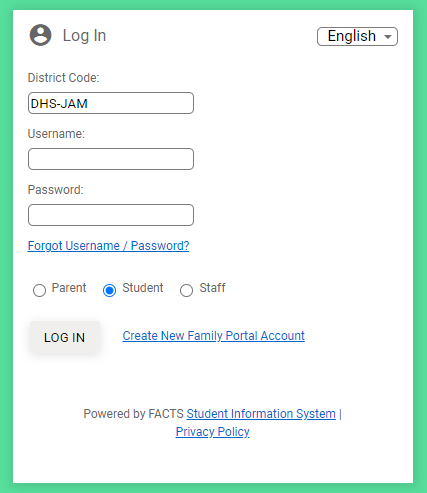
- Navigate to https://dhs-jam.client.renweb.com/pwr/
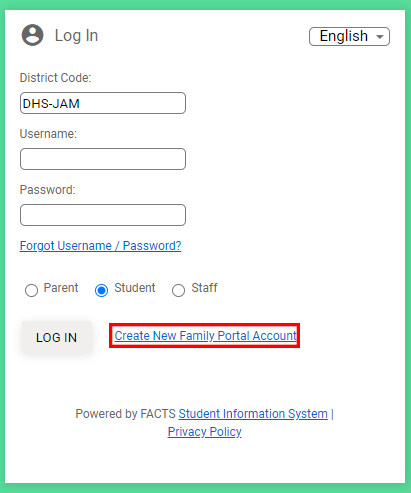
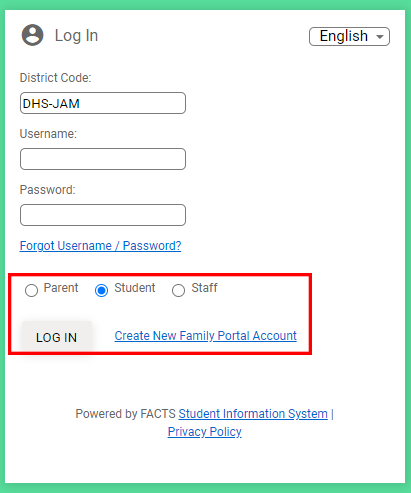
2. Click Create New Family Portal Account
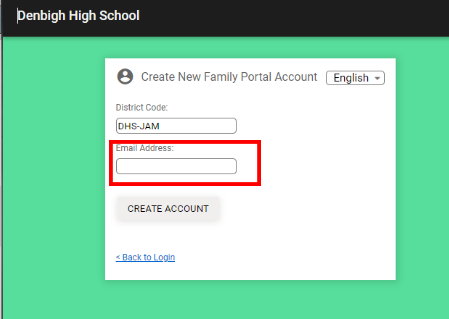
3. Enter child/student school issued e-mail address (firstname.lastname@denbighigh.edu.jm)
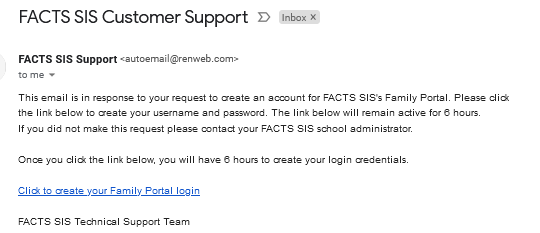
4. Wait a few minutes and the email will come in for the link to create your account:
5. Enter your username and password and confirm

6. Once confirmed, go back to https://dhs-jam.client.renweb.com/pwr/

7. If you are using your parent/guardian email address choose Parent then log in. If you are using a Student email address, choose student then log in.
8. Once completed, click your initials to the top right and click log out.